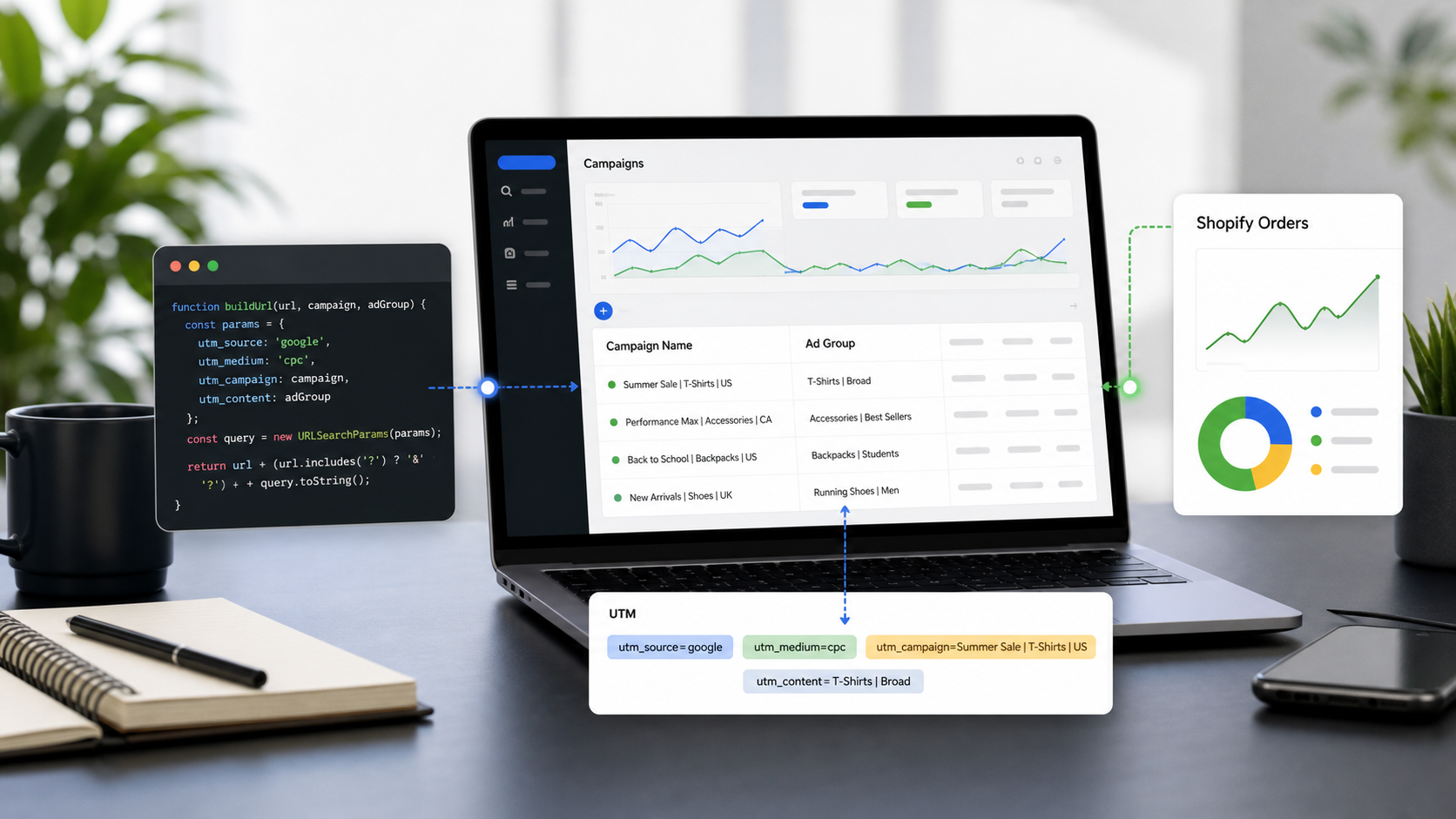
Running programmatic campaigns in Google Display & Video 360 (DV360) requires massive scale. You are dealing with hundreds of line items, thousands of creatives, and a multitude of ad exchanges. If your UTM tracking isn't airtight, that premium inventory traffic will show up in Google Analytics 4 (GA4) as a messy mix of "Direct" or unassigned referrals.
While many teams copy-paste their tracking strategy from their ad server, programmatic buying requires a different approach. Here is how to construct your UTMs using native DV360 macros, avoid common trafficking pitfalls, and standardize the process for your programmatic trading team.
DV360 vs. CM360: Why Your Tracking Must Change
A common mistake programmatic teams make is confusing ad server macros with DSP macros.
If you are using Campaign Manager 360 (CM360) to serve the ad, you use CM360 macros (formatted like %e! or %p!). However, if you are hosting creatives directly in DV360, or relying on DV360 to pass specific programmatic data (like the ad exchange or line item) back to your analytics, you must use DV360’s native macros, which are formatted with dollar signs and brackets: ${MACRO_NAME}.
If you paste a CM360 % macro into a native DV360 creative, the macro will not expand. The user will click the ad, and your GA4 dashboard will literally read utm_campaign=%e! instead of the actual campaign name.
Essential DV360 Macros for UTM Parameters
To pass granular programmatic data into GA4, you need to append DV360 macros to your landing page URLs.
Here are the most reliable macros to map to your standard UTM parameters:
UTM Parameter | Recommended DV360 Macro | What it Does |
|
| Captures the specific ad exchange where the impression was bought (e.g., Google Ad Manager, Rubicon). |
|
| Hardcode this. Do not use a macro here; explicitly define the channel for GA4. |
|
| Passes the unique numerical ID of your DV360 Campaign. |
|
| Passes the specific creative ID, allowing you to A/B test ad variations. |
|
| Identifies the specific line item (audience targeting, geofencing, etc.) that won the bid. |
Note on IDs vs. Names: Always use ID macros (like
${CAMPAIGN_ID}) instead of Name macros (like${CAMPAIGN_NAME}). Campaign names often contain spaces, commas, or special characters that will instantly break a URL when the macro expands.
3 Best Practices for DV360 URL Tracking
1. Hardcode Source and Medium, Automate the Rest
Your utm_source and utm_medium should dictate the channel grouping in GA4. If you leave these entirely up to macros, your data can fragment. A standard programmatic setup should look like this:
?utm_source=dv360&utm_medium=programmatic&utm_campaign=${CAMPAIGN_ID}&utm_content=${LINE_ITEM_ID}
Alternatively, use ${EXCHANGE_ID} for the source if your analytics team prefers to evaluate inventory quality.
2. Map DV360 IDs in Data Studio / Looker Studio
Since you are passing numerical IDs into GA4 to prevent broken URLs, the raw data isn't highly readable. Best practice dictates exporting a mapping file from DV360 (mapping Line Item ID to Line Item Name) and blending that data within Looker Studio or your BI tool. This gives you the reliability of IDs with the readability of names.
3. Handle 3rd-Party Wrapped Tags Carefully
If an agency sends you a third-party tag (like a CM360 or Flashtalking tag) to run in DV360, do not append DV360 tracking macros directly to the landing page URL inside the 3rd-party ad server. Instead, insert the DV360 macros into the click-tracker section of the tag itself before uploading it to DV360.
Standardizing Programmatic Tracking with UTMMind
Programmatic traders are used to building campaigns in massive spreadsheets and uploading them via Structured Data Files (SDF). Managing UTMs manually in those spreadsheets is a recipe for broken tracking.
Here is how you can use UTMMind to align with a high-volume DV360 workflow:
1. Build a DV360-Specific Template
In UTMMind, administrators can lock down a specific template for programmatic buys. You can enforce a rule where utm_medium is permanently set to programmatic, and automatically pre-fill the utm_campaign, utm_content, and utm_term fields with the correct DV360 ${} macros. This ensures no trader accidentally uses CM360 % macros or mistypes the syntax.


2. Generate DV360 Tracking Links at Scale
Traders rarely traffic one creative at a time. Using UTMMind, your team can bulk-generate hundreds of macro-ready URLs simultaneously. You simply input the base landing pages, select the DV360 template, and UTMMind outputs uniform, error-free tracking links that are ready for immediate programmatic deployment.

3. Sync Your DV360 Tracking Link Directly within Utmmind
You could directly sync up your utm tracking directly within utmmind by any DV360 level eg: campaign, insert order, line item level

Try Our Free DV360 UTM Template
Want to see these best practices in action without building everything from scratch? We’ve put together a free, public DV360 UTM template inside UTMMind that comes pre-configured with the exact macros and formatting rules discussed in this guide.