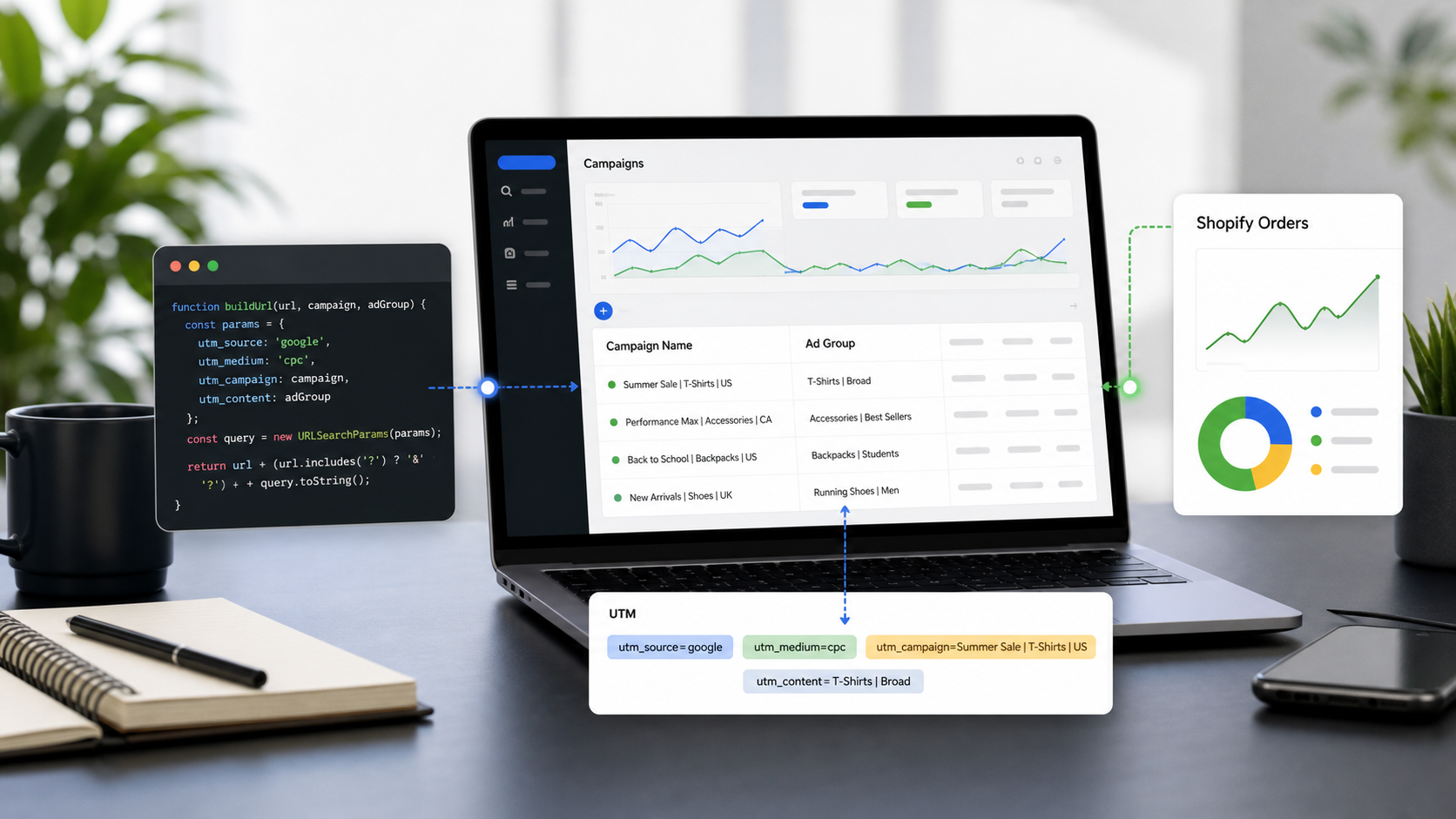
If you are running Google Ads, relying solely on standard UTM parameters like utm_source=google and utm_medium=cpc is leaving a massive amount of actionable data on the table. To truly understand which specific keywords, devices, and ad placements are driving your conversions, you need ValueTrack parameters.
In this ultimate reference guide, we will break down the most essential Google Ads ValueTrack parameters and show you exactly how to automate your UTM generation using utmmind.com.
What Are ValueTrack Parameters?
ValueTrack parameters are a type of dynamic URL parameter used in Google Ads tracking templates. Instead of manually typing out the keyword or ad group ID for every single ad, you insert a placeholder enclosed in curly brackets, like {keyword}.
When a user clicks your ad, Google automatically replaces that placeholder with the actual data (e.g., the exact keyword that triggered your ad). This allows you to pass highly granular data directly into Google Analytics or your CRM.
The Ultimate ValueTrack Parameter Reference
Here are the most critical ValueTrack parameters you should be using in your campaigns, categorized by what they track:
1. Campaign & Ad Group Data
Parameter | What it Tracks | Example Output |
| The unique ID of your campaign. |
|
| The unique ID of your ad group. |
|
| The unique ID for the specific ad clicked. |
|
2. Keyword & Search Intent
Parameter | What it Tracks | Example Output |
| For Search: The specific keyword that triggered your ad. |
|
| The match type of the keyword that triggered the ad. |
|
| The ID of the geographical location of the user. |
|
3. Network & Device Information
Parameter | What it Tracks | Example Output |
| Where the click came from. |
|
| The device the user was on when they clicked. |
|
| The website where your ad was clicked (Display Network). |
|
How to Generate Google Ads UTM Links with UTMMind.com
Manually typing out complex tracking templates like ?utm_source=google&utm_medium=cpc&utm_term={keyword}&utm_content={creative} is tedious and prone to human error (a single typo can break your tracking).
This is where UTMMind.com comes in. It's a powerful and intuitive tool designed to help you build, manage, and standardize your UTM links in seconds. Here is how to use it to generate your Google Ads URLs:
Step 1: Access the UTM Builder
Head over to UTMMind.com and navigate to the UTM builder tool.
Step 2: Create your Google Ads UTM Template
In the Template, Create your Google Ads Template as below:
Tips: all the vital Google Ads value track parameters should be found under the marco section

Step 3: Generate your link with the template your create
Fill in your landing page url into the template and just 1 single click. The link will be created for you

Step 4: Sync up to your Google Ads Account
The most magic thing, that is, you could leveages our sync hub function to sync your tracking link to your Google Ads account .

You should be able to see the link synced to Google Ads account tracking url as below:

Tips: When you sync to Google Ads, to aviod url error, utmmind will replace page url with {lpurl} automatically
Oh, just one more thing I forgot to mention! All of the operations above can actually be completed with just a single prompt:
Help me generate a Google Ads UTM link template as https://www.utmmind.com?utm_source=google&utm_medium=cpc&utm_campaign={campaignid}&utm_term={keyword}_{matchtype}&utm_content={creative}_{placement}&utm_id={campaignid} and create a tracking link for my website https://www.utmmind.com/.

Amazing, right? That’s the UTMMind magic. We have also created a public Google Ads UTM template where you can quickly generate your links, but we highly recommend that you go and experience UTMMind for yourself right now