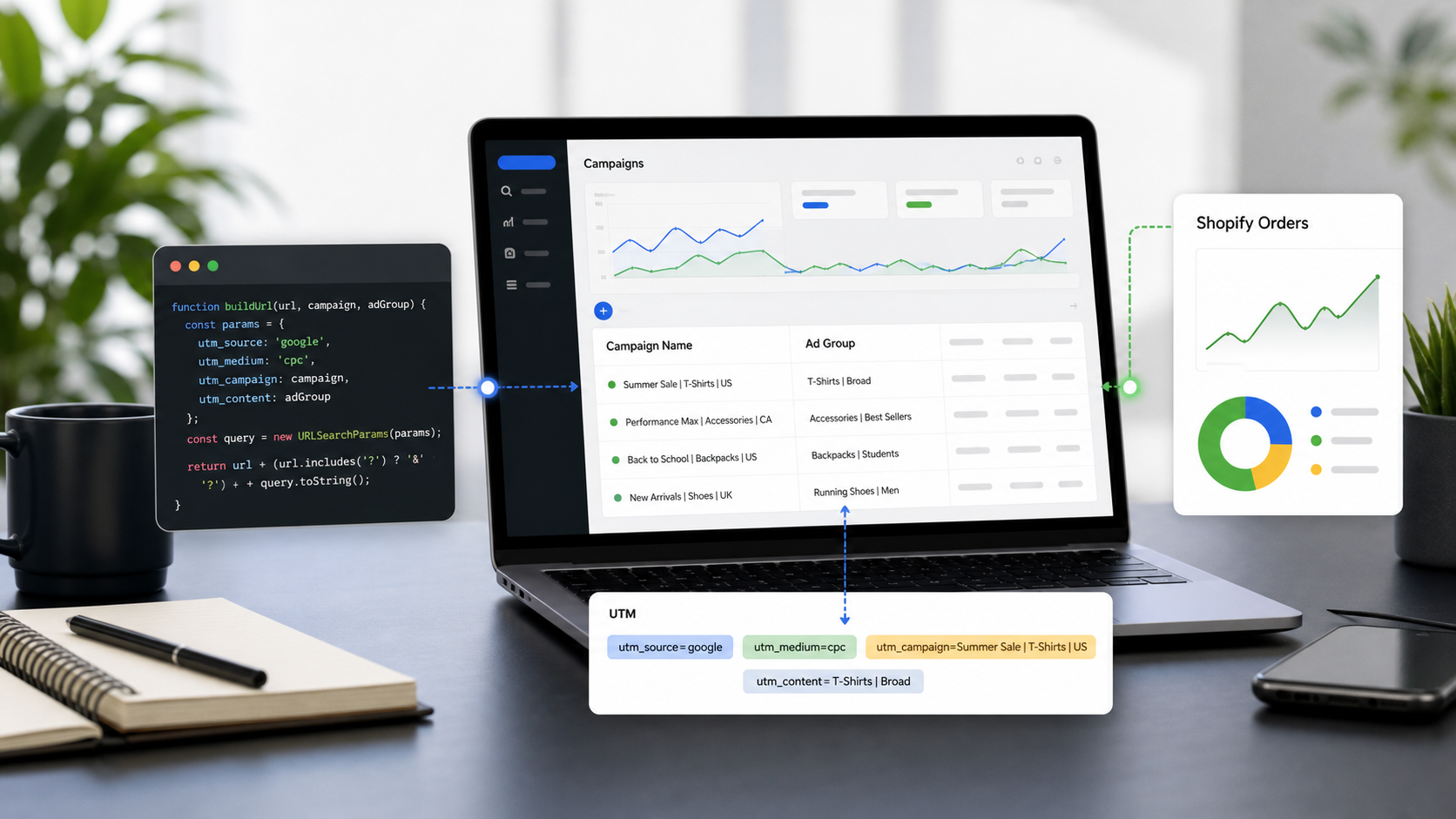
If you are running ads across Facebook, Instagram, or the Audience Network, relying on static UTMs (like manually typing utm_campaign=spring_sale) is a recipe for messy data and wasted time. To truly scale your Meta Ads and know exactly which ad creative or audience is driving revenue, you need to use Meta Dynamic URL Parameters.
In this ultimate reference guide, we will break down the most essential Meta Ads dynamic parameters and show you exactly how to automate your UTM generation using utmmind.com.
What Are Meta Ads Dynamic Parameters?
Similar to Google's ValueTrack, Meta allows you to use placeholders in your ad URLs. Instead of manually updating the UTM tags for every single ad, you use a parameter enclosed in double curly brackets, like {{ad.name}}.
When a user clicks your Facebook or Instagram ad, Meta automatically populates that placeholder with the actual data. This passes highly granular, accurate data directly into Google Analytics, Shopify, or your CRM—saving you hours of manual work.
Crucial Note: Meta uses double curly brackets
{{ }}for its parameters, whereas Google Ads uses single curly brackets{ }. Do not mix them up!
The Ultimate Meta Ads Parameter Reference
Here are the most critical dynamic parameters you should be using in your Meta Ads campaigns:
1. Campaign & Ad Set Data
Parameter | What it Tracks | Example Output |
| The name of your campaign. |
|
| The unique Meta ID of your campaign. |
|
| The name of your ad set (audience). |
|
| The unique Meta ID of your ad set. |
|
2. Ad Creative Data
Parameter | What it Tracks | Example Output |
| The name of the specific ad clicked. |
|
| The unique Meta ID of your ad. |
|
3. Source & Placement Information
Parameter | What it Tracks | Example Output |
| The platform where the click happened. |
|
| The specific area where the ad was shown. |
|
How to Generate Meta Ads UTM Links with UTMMind.com
Manually formatting URLs with double curly brackets is tedious, and one typo can ruin your tracking for an entire campaign.
UTMMind.com makes this effortless. It’s an intuitive tool designed to help you build, manage, and standardize your UTM links without the headache. Here is how to use it for Meta Ads:
Step 1: Access the UTM Builder
Head over to UTMMind.com and open the Template and create the meta ads template as below

Paste the landing page URL you want your ad to direct users to (e.g., https://yourwebsite.com/product-page).
Map the dynamic parameters to your standard UTM fields so your analytics platform can read them perfectly:
Campaign Source: Enter
{{site_source_name}}(This will dynamically track if the user came from FB or IG).Campaign Medium:
paid_socialorcpc(Keep this static based on your internal rules).Campaign Name: Enter
{{campaign.name}}.Campaign Term: Enter
{{adset.name}}to track which audience targeting drove the click.Campaign Content: Enter
{{ad.name}}or{{ad.name}}_{{placement}}to see exactly which creative and placement worked best.
Step 3: Generate and Apply
Click to generate your final URL link with this template

Oh, just one more thing...
I forgot to mention! All of the operations above can actually be completed with just a single prompt:
"Help me generate a Meta Ads UTM link template as https://www.utmmind.com/?utm_source={{site_source_name}}&utm_medium=paid_social&utm_campaign={{campaign.name}}&utm_term={{ad.name}}&utm_content={{adset.name}}&utm_id=1772117895&utm_source_platform=meta_ads and create a tracking link for my website https://www.utmmind.com/."
Amazing, right? That’s the UTMMind magic. We have also created a public Meta Ads UTM template where you can quickly generate your links, but we highly recommend that you go and experience UTMMind for yourself right here:
Just one things, we are builing intergation with Meta Ads to let you sync your utm linking to meta ads automatically as Google Ads. The intergation shouldbe released. Stay tuned